Saturday, July 1, 2017

Things I Forgot (and Learned) After Publishing Dusted: Part 1

I haven't written about writing for awhile. The biggest part of that is the fact that I hadn't published anything in a long time, even my writing had slowed down because of the move and other factors.

Still, when the Amazon UK Storyteller Contest was announced I gave it a go and survived the publishing process once again to make Wanderlust.

Not only did I learn new things, I also forgot quite a few as well.

Herp derp.


I wish I had remembered that I wrote this before I gave it another shot, as well as my So You Already Wrote a Novel posts (The Blurb, The Cover, and Advertising) so that brings me to my first point:

Write down (and reread) the things you learn.

Seriously, if you find yourself tripping up at one part of publishing, you will do so again. Write it all down and then, when your next manuscript is ready, read your old notes. This should be done before you even take the first step so that it will be fresh in your mind. Never, ever expect yourself to just remember it. Your brain is unreliable and, while it can turn out tale after tale of whimsy, it won't remember how painful the process of getting it into print was. It will always be a pain but, because I didn't make note of anything while publishing Dusted, I made the process of publishing Wanderlust a nightmare for myself.

I forgot about headers and footers

Headers are spaces in the top part of the page and footers are the bottom part of the page, neither of which include the body of text in a document. If you've written a paper on a computer for school chances are you've added page numbers so you're familiar with them. Headers are footers are each separated by the left, middle, and right sections.

With that in mind open a book, any book. In fact, grab several, I'll wait.

You're back? Wow, nice selection. You've got good taste in books.

Or not.
Open each of your books to any page except for the beginning or last few (title pages, copyright, and previews to other books play by different rules) look at the top and bottom parts of the pages. Chances are you're going to see page numbers, author, and book title in nearly all of them. I currently have a handful of random books from my shelf and a copy of Dusted. The headers and footers are the following:

Jim Butcher's Cursor's Fury
Even header: page number on left side, author name in center.
Odd header: Page number on right side, book name in center
Footers are blank.

Jay Asher's 13 Reasons Why
Same results as above

Andre Norton's Darkness and Dawn
Same results as above

So it sounds like that's the way to go, right? Wrong.

Holly Black and Cassandra Clare's The Copper Gauntlet
Headers are blank
Even footer: Page number on left
Odd footer: Page number on right

Jennifer Clark's Dusted
Even header: Book title on right
Odd header: Author name on right
Footers: Page number centered

The headers look awkward in Dusted, and it's a mistake I didn't notice until much later, but it's too small of a mistake to completely redo the process unless I make some much larger changes while I'm at it.

There's no hard and fast rule that states you need to have any of these things included in the headers and footers of the book. I could see some problems arising from not having page numbers but, as in The Copper Gauntlet, you may not want to bother with author name and title on the pages at all.

I kept the page numbers centered in Dusted because I didn't want to have to bother with odd and even being kept to the right or left. I should have also centered the title and author name as well but, for reasons I can't remember, I wanted them left and right. One suggestion you should probably stick with is that things go on the center and the left on even pages, and things go on the center and the right on odd pages. This is more visually appealing and the information doesn't feel like it's getting sucked into the spine of the book.

This leads me to one small mention that is, apparently, a big deal:

Even pages go on the left, odd pages go on the right.

You didn't know it could be that complicated, right? I didn't know either until I sent Wanderlust in for review and this message was sent to me:

In case you can't read it because the font is too small it says:

Our reviewers did fine some non-blocking issues with your files. Some of these issues may have been fixed causing alterations to your files.

The interior is currently set up so that even page numbers will appear on the right-facing pages, and odd page numbers will appear on the left. You may wish to add a blank page before the text begins to correct the pagination as the first page of the printed book should be a right-facing, odd page.

Best regards,

The Createspace Team

I already knew that the beginning of the story always begins on a page on the right side (and I had actually added a blank page to correct this very problem), but I wasn't aware that there was an unspoken rule that even pages are on the left and odd pages are on the right. I mean, I had used books as reference to know before I formatted Wanderlust, and I guess at some point they got mixed up, but I didn't realize this was an actual issue. So, make sure your right and left pages are even and odd, respectively.

And don't think you're being free-spirited for doing otherwise.
Image source Pixabay

If you have a digital previewer, use it

I don't recall having this option when Dusted was published, but boy I sure wish I had. I would have noticed the odd and even header problem as well as the fact that I had accidentally uploaded an ancient version, complete with massive gaps in between the paragraphs.

Using Createspace's Interior Reviewer allowed me to make changes without having to order a new proof copy every single time to look over it. I would suggest using the previewer and go through every single page. Yes, every single page of your manuscript. While the beginning and end are where you are most likely to stumble across layout mistakes, like the title page and copyright page being wonky. I caught the first chapter of Wanderlust trying to start on a left-sided page and was able to correct it. If you want all of your chapters starting on a right page (which I don't bother with) then you definitely want to use this. Going through the entire contents also allowed me to catch a blank page in the middle of the story and remove it (there was a blank page in the middle of a proof copy of Dusted as well, once again making me wish I had a digital previewer).

I know you think you'll catch everything in Microsoft Word (or whatever program you use) but sometimes there are some bumps in the formatting process, and digital previewers allow you to see your manuscript as though it were laid out in a page by page left and right format.

All of the loading times will take forever

This one I still actually remember, but it bears mention. Even though Wanderlust clocks in at a tiny 10k words I still had to upload it and re-upload it over five times. This took me about an hour because, with every little wrinkle you smooth out, it creates another one you have to then fix. You have to upload your manuscript, which takes time, load it into the previewer, which takes time, view it and make changes, then start the process all over again. Even though Wanderlust is small it still took a long time, and the larger manuscript you have, the longer it will take.

Trust me, have something to do on the sidelines during all of this.

I typed a rough draft of this particular blog post while I was waiting for Wanderlust to upload a billion times and for the Interior Reviewer to launch half a billion times. Nothing will ever be "real quick." Quality takes time.

And, finally, one more thing I think is important to mention. I'm not familiar with other publishing platforms so I'll just specify Createspace.

Allow Createspace to fix your book size for you

A 5x8 book won't have the same interior margins as a 6x9, and neither will Microsoft Word. Whenever I upload a manuscript to Createspace it always has a fit, showing me four different errors.

So basically this.
Now, rather than try to fix it all myself through Word wizardry, Createspace is happy to offer a resized version in the exact size you're looking to publish it in. I just download that, check to make sure the manuscript isn't all dorked up, then upload it.

With one exception (that being the odd and even pages thing) I have had zero errors.

In my next post I will discuss the cover and the details of a book showing up on Amazon (including the Kindle and paperback versions showing up as a single product.)


Wait, this blog is about writing? I thought it was about satyrs.

Thursday, June 1, 2017

Games for Couples

There are lots of multiplayer games, but very few make for a great 2-person experience. In a previous post I mentioned how gaming is good for relationships so, here today, is a few listings, starting with:

Games for Couples

Oddly enough, 2-player games are hard to come by. I'm not talking about ye olde Mario where you played Luigi after Mario bit the dust, I mean simultaneous playing with a second, and only, person. So here are a handful of the best that I have come across. As I have mentioned I am a PC gamer, but many of these titles are available on consoles (I think Spelunky is available on all current consoles) I will be specifying whether you need more than one computer and whether they need controllers. Any time there is one computer but there are controllers required you need a minimum of 1. Player 1 can use the keyboard but player 2 has to have a controller. Two controllers are best. I use a corded Xbox 360 controller, you can plug it into your computer and it works right away.


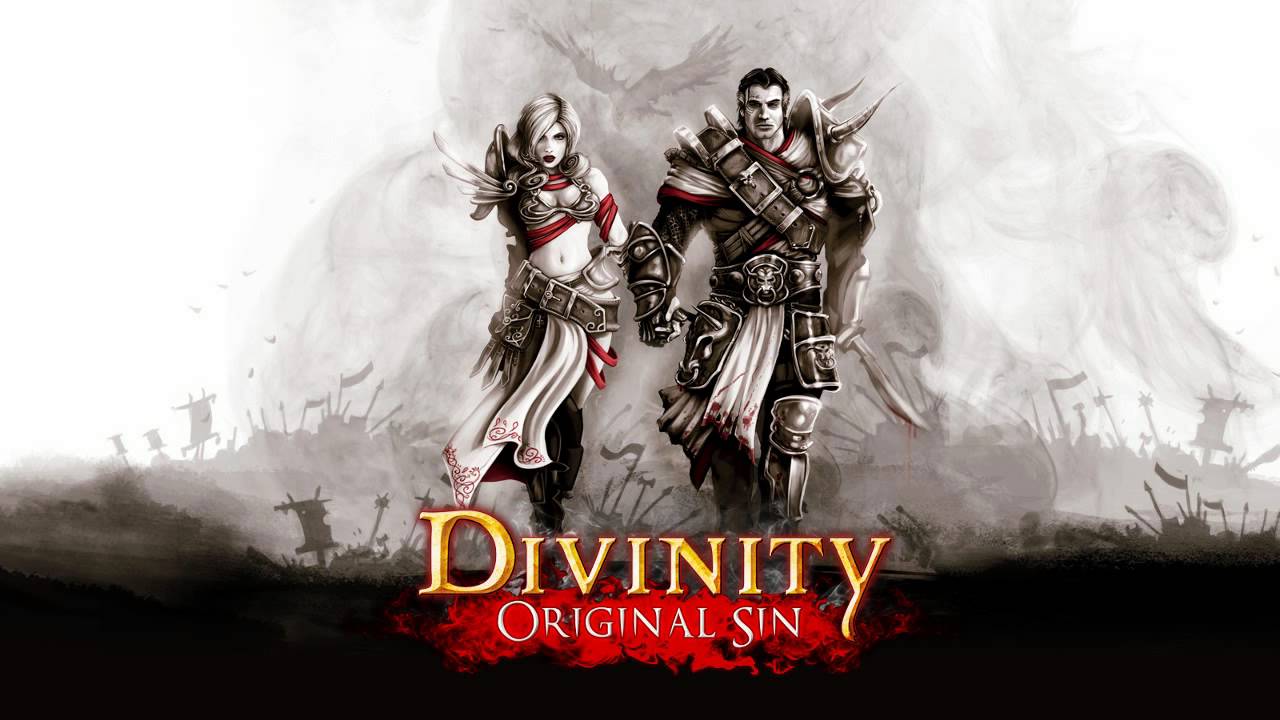
Divinity: Original Sin


Number of computers: 1
Controllers: No

The cream of the crop. Divinity was an RPG literally designed for two people to play together. Even when you are by yourself you are still playing two characters. These two characters even interact with each other, and the dialogue trees even allow for them to have disagreements. Maybe you're a holy paladin who believes in doing good in the world while your spouse is a trickster who wants to steal everything that isn't nailed down? (actually you can even steal nails in the game.) The story itself is superb as well, and is heavily focused on the two. Initially it begins as a buddy cop game and slowly reveals that the two of you are closer to tragic soulmates. I don't often get romantic fuzzies from a game, but this one did it for me.

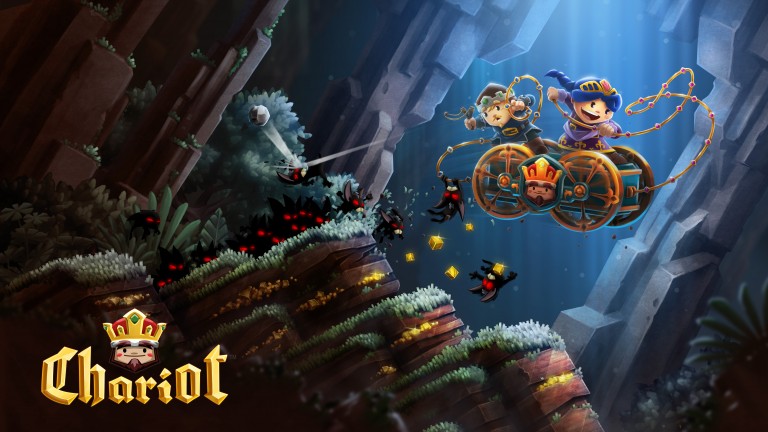
Chariot


Number of computers: 1
Controllers: Yes

The entire time I was writing my post Gaming is Good for Relationships and working as a team I was picturing Chariot. Adorable as heck, it will test your patience with gaming, your partner, your brain, and your index fingers. Playing as a princess and her fiance is also perfect for a gaming couple.

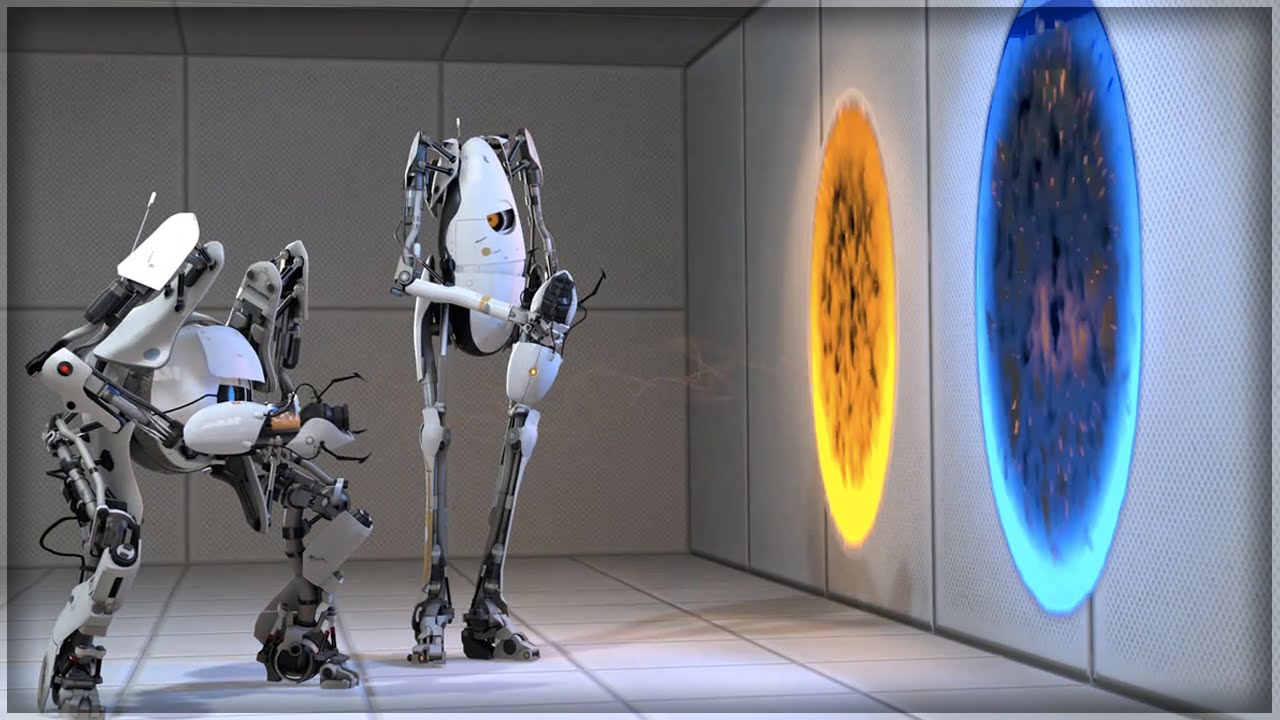
Portal 2


Number of computers: 2
Controllers: No

While the Portal series has a fantastic single player storyline and gameplay, Portal 2 is where it really shines for two people. Solving difficult puzzles makes for some great critical thinking together and requires the utmost of communication. Plus all of the robot high-fives and hugs are hilarious.

Resident Evil 5 & 6

Number of computers: 2
Controllers: personal preference (it's a console port but I did just fine with a keyboard and mouse)

Not a fan of RPGs or puzzle games? Prefer way more running and gunning? Resident Evil 5 & 6 is the way to go. While their interface is clunky (I felt) it was still a good, solid multiplayer experience. Don't worry about the storyline here, folks, Resident Evil has suffered from Kudzu Plot before I even hopped on the train with entry number 4 and I still enjoy them.

Battleblock Theater

Number of computers: 2
Controllers: Yes

Wacky and weird Battleblock Theater is designed specifically with teamwork in mind. You have to toss your partner across long distances, help them up ledges, and explode with a fart noise. Buckle your pants!

Orcs Must Die! 2

Number of computers: 2
Controllers: No

As a tower defense game Orcs Must Die! 2 (yes with an exclamation point) allows for strategy and communication between two people before the first round even begins.

Splinter Cell: Chaos Theory

Number of computers: 2
Controllers: Personal preference

The third in the Splinter Cell series, I recommend it for much of the same reasons as Battleblock Theater, in that there are many areas that you, literally, cannot access without help from your partner. Later installments have attempted to recreate the multiplayer experience of Chaos Theory to no avail.

Lego Lord of the Rings and Indiana Jones

The Lego series make for spectacular 2-player experiences. If you want to be more casual, are introducing a spouse to gaming, or want to play with kids, these are a must.

Number of computers: 1
Controllers: Yes

Spelunky
Vangante
Enter the Gungeon
Moon Hunters
Crypt of the Necrodancer

Number of computers: 1
Controllers: Yes

These are lumped together because they are smaller but no less great. They are difficult, being of the rogue-like pixelated games (because, at some point, indie developers decided 8-bit = really hard) but have been some of the best multiplayer I have played. If you are playing on PC I highly recommend controllers.

Clandestine and The First Templar

These barely made my list. While not stellar games they are specifically two player. You can get some enjoyment but don't expect them to be triple A titles. My brother and I even nicknamed The First Templar "The Adventures of Squash-Head" because of the laughably bad graphics. Clandestine is a good game but was prone to crashing and the graphics harken back to the PS2 era.

But Jennifer, I suck at videogames, do you have anything for the craptastic gamer?

That's cool, that's cool. It's awesome that you're showing an interest in one of your spouse's hobbies and spending more time together. There are still some games out there that you can enjoy watching as much as your spouse will enjoy playing.

The Walking Dead
Tales From the Borderlands
The Wolf Among Us
Life is Strange
Bioshock series
Portal

There were some I really considered adding in this category, like the Zelda series or Mass Effect, but I'm using my own experience at watching and playing. I've watched my brother play every single Zelda game in existence (except for the portable gaming system ones) and, while I enjoy them for the most part, my attention span tends to waver during times when the storyline isn't right in your face. There are just times in games when watching isn't that exciting. To combat this I make a hybrid of my downtime, I read a book while the observationally boring parts are going on and snap my gaze up when a cutscene is occurring.


Technically 4 Player

These are all awesome games and the first three are in my Top 10 best games ever. While technically four-player they can also be played with three, two, or even one.

Borderlands series
Left 4 Dead series
Payday 2

Number of computers: 1-4
Controllers: Personal preference

These are together because they all have a similar gameplay type: first-person, four-player squad of people shooting guns for various reasons. The teamwork isn't quite as integral as helping others up platforms, but when you're down and surrounded nothing is better than your best friend running to your aid.

Castle Crashers
Lovers in a Dangerous Spacetime
Overcooked!

Number of computers: 1
Controllers: Yes

These three are cute, quirky, and full of teamwork. Even with just two people it feels like a party.


Your mileage may vary with all of these games suggested and, with enough time, you will find the games that best suit you and your spouse together.

Did you enjoy this post? Then check out more!

Edit: As of this writing I have since decided to add The Red Rope (2 player) and We Need to Go Deeper (2-4 player.)

I suppose you could always both go outside but...

Saturday, May 13, 2017

Wanderlust: Girl Goes Offline is Now Available!

Check out my new short story!

Yes, I'll admit, it snuck up on me too. Wanderlust started out as the beginning of a short story but, when I learned about the Amazon UK Storyteller Contest, I decided to give it a shot!

Finalists and the winner are based on the number of sales and, while it has yet to show up in the contest entries, you should totally buy it anyway!

Buy it now!

Buy ten copies!
Available in both Paperback and Kindle ebook!


This has been a message of superliminal advertising.

Monday, May 1, 2017

Gaming is Good for Relationships

I have only occasionally mentioned that I'm a gamer. Although it wasn't until recently that I started to realize that gaming is good for relationships. When I say relationships I'm primarily thinking on a husband and wife level, but you can substitute for any relationship: father and son, best friends, siblings, and so on. If I ran one of those Fortune 500 companies part of my team-building exercises would include gaming. I've broken it down into a few points that, hopefully, make sense.

I just scared away 97% of my readers by posting this image.


You spend time together

This is an obvious one. Spending more time together is always a good idea if you're looking to bond more. One of my recent posts also mentioned that, dollar for dollar, gaming is very cost effective. So if you're looking to hang out with someone without breaking the bank gaming couldn't be better.

You have to work together

By working together in a game you get suggestions and ideas from your partner, you also give in the same capacity. From that standpoint you could say that gaming is a neutral ground to allow the both of you to become comfortable with the idea of working as a team. Once you have the ability for teamwork you're like an unstoppable force against anything else.

High fives are not optional.

It's like a fire drill for when something really bad happens

Fire drills are a common thing done on a regular basis in the hopes that, with enough practice, the actual event of a fire will be treated with as much calm as a mere fire drill.

Sometimes actual fires are started to prevent clam turning into apathy.
Playing a videogame can create an artificial sense of stress for which you have to interact with each other during. Can't defeat that boss? Stuck on a puzzle? Do you devolve into arguing with each other, having forgotten the problem in the first place? Or do you work together, trying each other's suggestions? Now imagine you and your partner with a flat tire in the middle of nowhere, you can't really walk away from that.

Nor can you really look up a walkthrough...oh wait,

You lose to your partner


Losing is just as important as winning. In most cases you can't win without someone else losing. Even lottery winnings is the total of a combined group of people losing their money at one time or another. If you won all the time it removes the challenge and negates the actual reward, but I digress.

Nobody likes to be wrong and no one likes to lose, even to their own partner. I've focused primarily on the idea of working together but sometimes it's good to play against each other. By losing you realize it's no big deal and, at the end of the day, that nothing has been lost between you.

If there's a blue shell though, that's grounds for divorce.


Did you enjoy this post? Then check out more!

The Cost to Entertainment Ratio in Media
Life is Strange Review
TFTBL vs LiS: Episodes 1
I, Gamer

If all caps is yelling, is this like whispering?

Saturday, April 1, 2017

The Many Uses of Dusted!


Holy cow Dusted has so many uses you guys! It's the Swiss army knife of books! It can be used as a sun shield for other books!

So much protection from fading and looks great too!

Are your kids bugging you for a new toy? Dusted makes for a great set of building blocks for hours of fun and imagination!

Amazing!
Need to use the bathroom? Forget that boring old smartphone, Dusted uses no battery, requires no WiFi, and is 100% compatible with eyeballs!

Does double duty if you run out of toilet paper!

Got some laundry to do? Don't bother with regular laundry soaps full of harsh chemicals that can irritate skin, use Dusted as an all-natural cleaning agent in all your laundry loads!

Throw a second copy into the dryer for extra softness!

Playing some videogames while waiting for the laundry to finish? Can't get past a difficult area? Dusted can help with that too! Dusted is 100% guaranteed to get you past that one spot you can never beat!*

*Except for Dark Souls.

In fact, Dusted even works as a videogame console! It's compatible with all discs, cartridges, and hardware of any make and model!

Got a Wii game but only a Gamecube Controller? No problem!

Don't know what to feed the family? No worries, Dusted is even edible! With all of your daily essential vitamins and minerals included you have a complete and balanced meal!

Yummers!

So buy Dusted today!

Wednesday, March 1, 2017

Kindle Books are Getting Pricer (and so is Dusted)

It probably sounds weird, but I like to read some of my old blog posts. One in particular grabbed my attention recently was about Kindle book pricing. I’ve been kind of paranoid lately about the prices going up because, as time goes on, I slowly start becoming an old lady that clings to every penny but, when I clicked some of the book links, I found that I was actually correct but far worse than I even imagined. I'm not the only one who's noticed.

Let’s review some of the old prices versus their current prices shall we? The previous prices are based on the time of my old blog post which was posted January 10th, 2014. That was just over 3 years ago. 

Mistborn Boxset

Previous price: $15.30
Current price: $22.99

Allegiant

Previous price: $6.99
Current price: $9.99

The Hunger Games

Previous price: $14.99
Current price: $25.99

The Sight and Fell set

Previous price: $7.99
Current price: $6.99
(Okay so this one went down)

Cold Days

Previous price: $4.99 (I predicted it to raise to $7.99)
Current price: $9.99

Game of Thrones 5 Book Box Set

Previous price: $19.99
Current price: $39.99

It used to be that ebooks were priced just under the cost for a paperback but, somewhere down the line, that unspoken rule was thrown out the window.

And, as much as I hate to say this, I decided on February 4th to increase the price of Dusted.

There are several reasons for this, the main one is that it’s my primary income now. The big move I made last summer meant quitting my previous job and, as anyone in this economy knows, it has been difficult to get a new one.

Unless I was willing to commute 10 hours to my old job.

The lack of reviews means I need to get more from each copy sold. I know they sound unrelated but some people will pass on books simply because there aren’t that many reviews for it (whether they’re good or bad is irrelevant.)

Part of the price hike is that Amazon kind of forced my hand. It would have been easy to blame them for everything and turn them into the bad guy but I couldn’t do that because I was already considering raising the price and, more importantly, Amazon has been amazing to me, and other small indie authors,  to allow my writing to be published. Don’t bite the hand that feeds you.

Most of all, however, I honestly believe I am providing a quality product to my readers. It’s not perfect but I poured my heart, soul, brain, and time into Dusted to make it what it is, and I think I have earned more than a just kudos for it. Has anyone ever actually said to themselves “Ew $2.99? I’m not buying that I’m going to buy a different book at $0.99 because it’s cheaper”? At this point in Dusted’s lifetime if I make a sale then I make a sale, regardless of price. Not to mention that, these days, lower pricing actually lowers sales.
 
So let me break down some numbers for you. Amazon allows you to choose between royalties of 35% or 70%, each one with their pros and cons. For a long time the income didn’t really bother me so I had it set for 35%, this was getting me $0.32 per copy sold. That said, it has taken me years to gain enough money to even buy something at McDonald’s.

By changing to 70% royalties I actually get to have a much larger sum of money. One of the disadvantages of the gained royalty, however, is a forced increase of the ebook price. I was unaware of this but, apparently, if you want 70% royalties, you must price your ebook at a minimum of $2.99. That’s okay though because I was already deciding between raising it to $1.99 or $2.99.

Okay, so the price for the consumer goes up a staggering 300%, it sounds bad when you put it like that but let me show you something

 
Yes with 70% Amazon charges me for shipping the ebook to you.


Where before I was making $0.32 cents in royalties per copy I would now be making $2.05. You pay 300% more than you did previously but I now make 640% more.

More profits means I can work harder at this writing thing. Becoming a full time author has been my dream since I was fourteen years old writing a terrible novel on loose sheets of paper with a pencil until my hand cramped.

Each copy sold, especially now, means I get one step closer for that dream to come true.

Wednesday, February 1, 2017

The Cost to Entertainment Ratio in Media

Originally this was meant to be a part of a different post, but it ran as a long enough tangent that I decided to split it off.

Lots of people, especially these days, struggle financially. I'm not going to get into the woes of money and the economy, but you do have to consider ways to save money, even in entertainment. As of this writing Idaho's minimum wage is $7.25 which is the same as the Federal Minimum Wage. In order to save money in regards to entertainment your cost per hour to entertain yourself needs to be lower than the amount of money you make per hour and the cost to entertainment ratio of gaming is unbeatable if you know how to play your cards right.

I might be a little biased though. 
I couldn't find a breakdown of the cost so I'm going to do it here. Let's start with some averages.

Average cost of a movie ticket: $8.61
How many American households have computers: 84%
How many American households have gaming consoles: 80%

I'm not going to cite my sources since it's not really the main point, but it's a generalizing so that I don't have to calculate the extra cost of purchasing a game console or computer, because at that point I would then be calculating the cost of a TV to watch a movie and a car to go to a movie theater. You have to draw the line somewhere and so I choose to assume everyone has a TV, a game console, a computer, a car...

a house.
Watching a movie in the theater

Tickets(for two): $17.22

Movie length: Let's be generous and say 2 hours

Cost to entertainment ratio: $8.61 per hour

This is assuming you don't have dinner and don't buy anything from the concession stand (popcorn, drinks, candy)

Watching a movie at home

DVD: I've seen movies range from $10 to $30 so let's say it's $15

Movie length: 2 hours

Cost to entertainment ratio: $7.50 per hour

Reading a book

Cost of book: It varies. I tried googling it but I got some weird results:

I bought 4 trade paperbacks and now I can't afford groceries.
So let's say $10 for a book.

Book length: Again, it varies, but I've been able to read an entire book in a day so let's say 8 hours.

Cost to entertainment ratio: $1,25 per hour.

If you buy my book, however, you will gain money because the pages are actually made of solid gold.
Playing a videogame, Multiplayer

Videogame length varies more than anything else here, so I'm going to use several examples. Since I'm primarily a PC gamer I'm going to use those. I'm also going to use specific examples that are better for two or more people to watch or participate. The Elder Scrolls and Fallout games are amazing, but they work better for solo entertainment. I will be using my own gameplay time in games I have finished, so your mileage may vary.

Borderlands 2

Cost: $20, this is the current price, not on sale, without any DLC.

Game length: Variable. I have played through it multiple times and I have just clocked in my 200th hour (this is my 3rd most played game in my Steam library, under Team Fortress 2 and 7 Days to Die) I do, however, have all the DLC. Sometimes I have skipped a lot of the side quests, sometimes I don't do the DLC, so let's cut off 100 hours to be fair.

Cost to entertainment ratio: $0.20 per hour.

Divinity: Original Sin

Cost: $40

Game length: I haven't played the Enhanced Edition, which includes more stuff. I played the classic edition. So I'm being a little harsh with this one by using the Enhanced price with the Classic gameplay time, which is 67 hours.

Cost to entertainment ratio: $0.60 per hour

Left 4 Dead 2

Cost $20

Game length: Again I'm halving this because L4D has been one of my favorite games but it also has a ton of replay value. So let's say 95 hours.

Cost to entertainment ratio: $0.21 per hour

Playing a videogame, Singleplayer + Watching

Maybe you're not much of a gamer though? Maybe only your spouse is while you prefer to watch a movie. That's cool too! There are games out there that are just as fun to watch as to participate. These are going to have a less efficient cost to entertainment ratio compared to the multiplayer games but they are still significantly better in cost than a movie.

The Walking Dead

Cost: $25

Game length: 29 hours

Cost to entertainment ratio: $1.16 per hour

Life is Strange

Cost: $20

Game length: 13 hours (I cut my time in half because I have played the game twice.)

Cost to entertainment ratio: $1.54

The Stanley Parable

Cost: $15

Game length: 4 hours

Cost to entertainment ratio: $3.75


I will reference some of these specific games (and more!) in another post)

Did you enjoy this post? Then check out more!

Life is Strange Review
TFTBL vs LiS: Episodes 1
Tales from the Borderlands is my GOTY
I, Gamer

Please keep reading I have cats to feed.